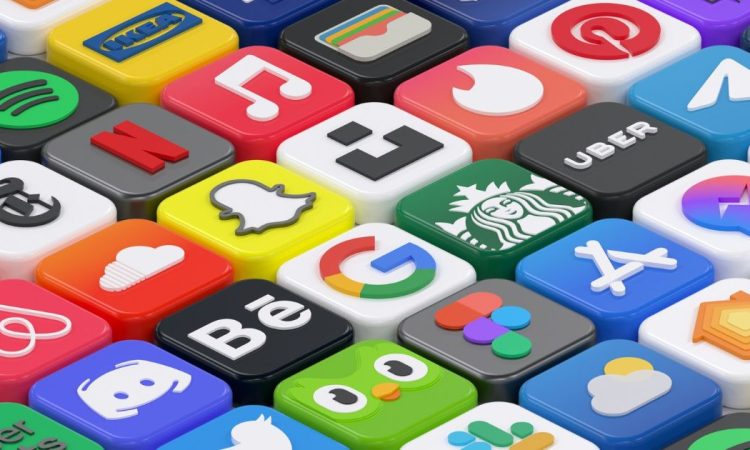

You have probably used an app before breakfast today. Maybe you checked the weather, paid for a coffee or sent a message. So, what are apps, exactly? An app is a piece of software built to do one particular job, usually on a phone, tablet, computer or smart TV. Apps have changed how we bank, shop, learn and stay in touch. Yet the word still confuses plenty of people. This guide explains how apps work, the main types, and how to choose safe ones. By the end, you will know exactly what you are downloading.
What Are Apps? A Simple Definition
The word “app” is short for “application”. An application is any program that helps you complete a task. Before smartphones, people mostly used the term for desktop programs such as Microsoft Word. Today, “app” usually means something lighter and more focused, such as a banking app, a map app or a music app.
In simple terms, an app is software that lets your device do something useful. Your phone’s hardware, such as the screen and camera, is only the equipment. Apps tell that equipment what to do.
Some apps come pre-installed, like the camera, calculator and clock. Others you download from an app store when you need them.
How Do Apps Work?
Every app runs on an operating system. This is the main software that manages your device. The two biggest on phones are Android, made by Google, and iOS, made by Apple. Windows, macOS and Linux do the same job on computers.
When you open an app, it asks the operating system for permission to use parts of your device. A navigation app, for example, needs your location. A photo app needs your camera and storage. Many apps also connect to the internet to fetch fresh information, such as live train times or new messages.
Behind most apps sits a server. This is a powerful computer elsewhere that stores data and does heavy processing. Your app is the front door. The server is the building behind it.
What Are the Main Types of Apps?
Native apps
Native apps are built for one operating system. An iPhone app from the App Store will not run on an Android phone. Native apps usually run smoothly and can use features such as the camera, GPS and notifications. Most banking, gaming and fitness apps fall into this group.
Web apps
Web apps run in your browser, so there is nothing to install. Google Docs and online banking portals are good examples. They work on almost any device with an internet connection, but they may be slower and offer fewer device features.
Hybrid and progressive web apps
Hybrid apps mix both approaches. Developers write the code once and package it for several platforms. Progressive web apps, or PWAs, are websites that behave like apps. You can add them to your home screen and sometimes use them offline. They save storage space and developers’ time, though they cannot match every native feature.
Common Examples of Apps in Everyday UK Life
Apps now cover almost every part of daily life. Here are some familiar categories:
- Banking: Monzo, Barclays and other banks let you check balances and send money quickly.
- Travel: Citymapper, Trainline and Google Maps help you plan journeys and check delays.
- Health: the NHS App lets you book GP appointments, order repeat prescriptions and view your records in England.
- Communication: WhatsApp, Zoom and Microsoft Teams keep families and colleagues connected.
- Learning and entertainment: BBC iPlayer, Spotify and Duolingo offer shows, music and language lessons.
Even a simple torch or calculator is an app. Size does not matter. What matters is that the software does one job well.
Are Apps the Same as Websites or Programs?
They overlap, which causes the confusion. A website is a collection of pages you view in a browser. An app is built to perform actions, such as booking, tracking or editing. Some web apps blur the line by doing both.
Computer programs are the older name for desktop software. Today, the terms are often interchangeable. Most people say “app” for anything on a phone and “program” or “software” for larger desktop tools such as video editors.
How Do You Get Apps?
On phones, you download apps from official stores. Android users use the Google Play Store. iPhone users use Apple’s App Store. Windows and Mac computers have their own stores too, though you can also install software directly from a developer’s website.
The process is simple. Search for the app, check the developer’s name, then tap Install or Get. Many apps are free but may include adverts or in-app purchases. Others charge a one-off fee or a monthly subscription, typically a few pounds.
How to Choose Safe Apps
Most apps from official stores are safe, but no store is perfect. A few habits reduce your risk.
- Download only from official stores. Avoid files sent by text or email.
- Check the developer name, reviews and number of downloads.
- Read the permissions. A torch app has no need for your contacts.
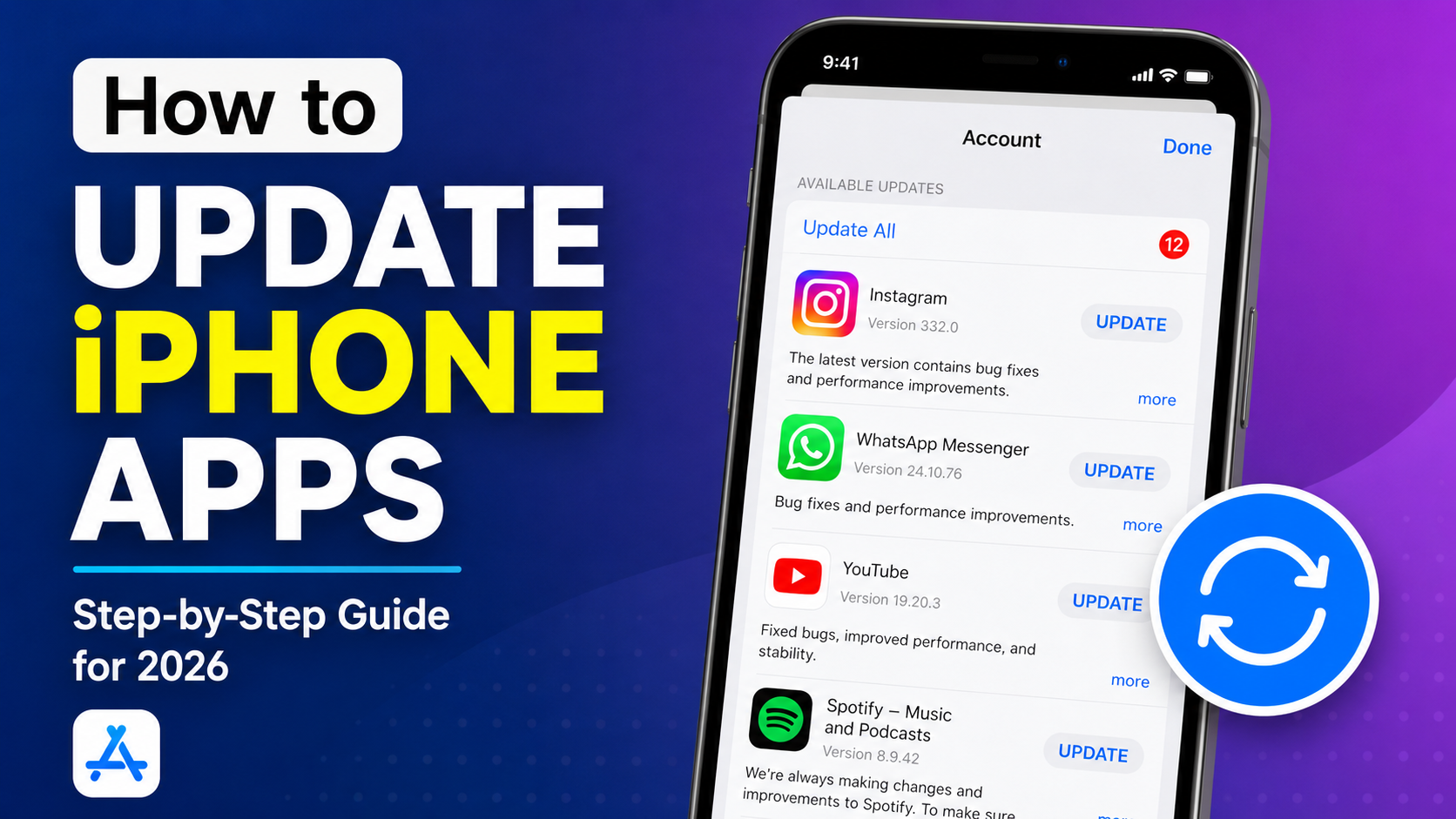
- Keep apps updated. Updates often fix security flaws.
- Delete apps you no longer use.
Parents should also use parental controls and age ratings. Both Apple and Google offer family settings that limit purchases and filter content. The UK’s National Cyber Security Centre also publishes practical advice on keeping devices secure.
What Makes a Good App?
Not every app deserves space on your device. Good ones share a few qualities.
- Clear purpose: it solves a real problem without clutter.
- Privacy: it asks only for the data it truly needs, and explains why.
- Speed and reliability: it opens quickly and rarely crashes.
- Fair pricing: costs are shown clearly before you commit.
- Support: the developer fixes bugs and answers questions.
UK data protection law, including UK GDPR, gives you rights over how companies use your personal information. Reputable apps explain those rights in their privacy policies.
How Do Apps Make Money?
Understanding this helps you spot what a “free” app really costs. Developers typically earn money in four ways:
- Paid downloads: you pay once, then use the app.
- Subscriptions: you pay weekly, monthly or yearly for continued access.
- Advertising: the app is free, but adverts appear.
- In-app purchases: you buy add-ons, such as extra levels or premium tools.
Check subscriptions regularly. A free trial can quietly become a paid plan if you forget to cancel. You can review and cancel subscriptions in your Apple or Google account settings.
Getting the Most from Your Apps
If you are new to apps, start small. Pick two or three that solve real problems, such as a banking app, a maps app and a messaging app. Learn how they work before adding more.
Tidy your home screen into folders. Turn on automatic updates. Review your storage every few months and remove apps you have not opened for a while. These small habits keep your device quick and secure.
Older family members may find apps daunting. Sit with them, show one task at a time, and let them practise. Confidence grows quickly once the first app feels useful.
Frequently Asked Questions
What are apps on a phone?
Apps on a phone are software programs that perform specific tasks, such as messaging, navigation or banking. You download them from an app store, or they come pre installed on the device.
Are apps free to use?
Many apps are free, but some include adverts, in-app purchases or subscriptions. Always check the price and billing terms before you download or start a trial.
What is the difference between an app and a website?
A website mainly displays information in a browser. An app is built to carry out tasks, and it may be installed on your device or run online as a web app.
Can apps work without the internet?
Some can. Offline capable apps, such as calculators, notes and downloaded music, work without a connection. Others, like live travel updates or social media, need the internet to fetch fresh information.
Conclusion
So, what are apps? They are focused pieces of software that help your phone, tablet or computer complete everyday tasks. They come in native, web and hybrid forms, and they run on operating systems such as Android, iOS and Windows. Download only from official stores, check permissions and watch for hidden costs. With those habits in place, apps become safe, useful tools rather than clutter. Start with a few that genuinely help, and you will soon see how much simpler daily life can be.
for more information click here