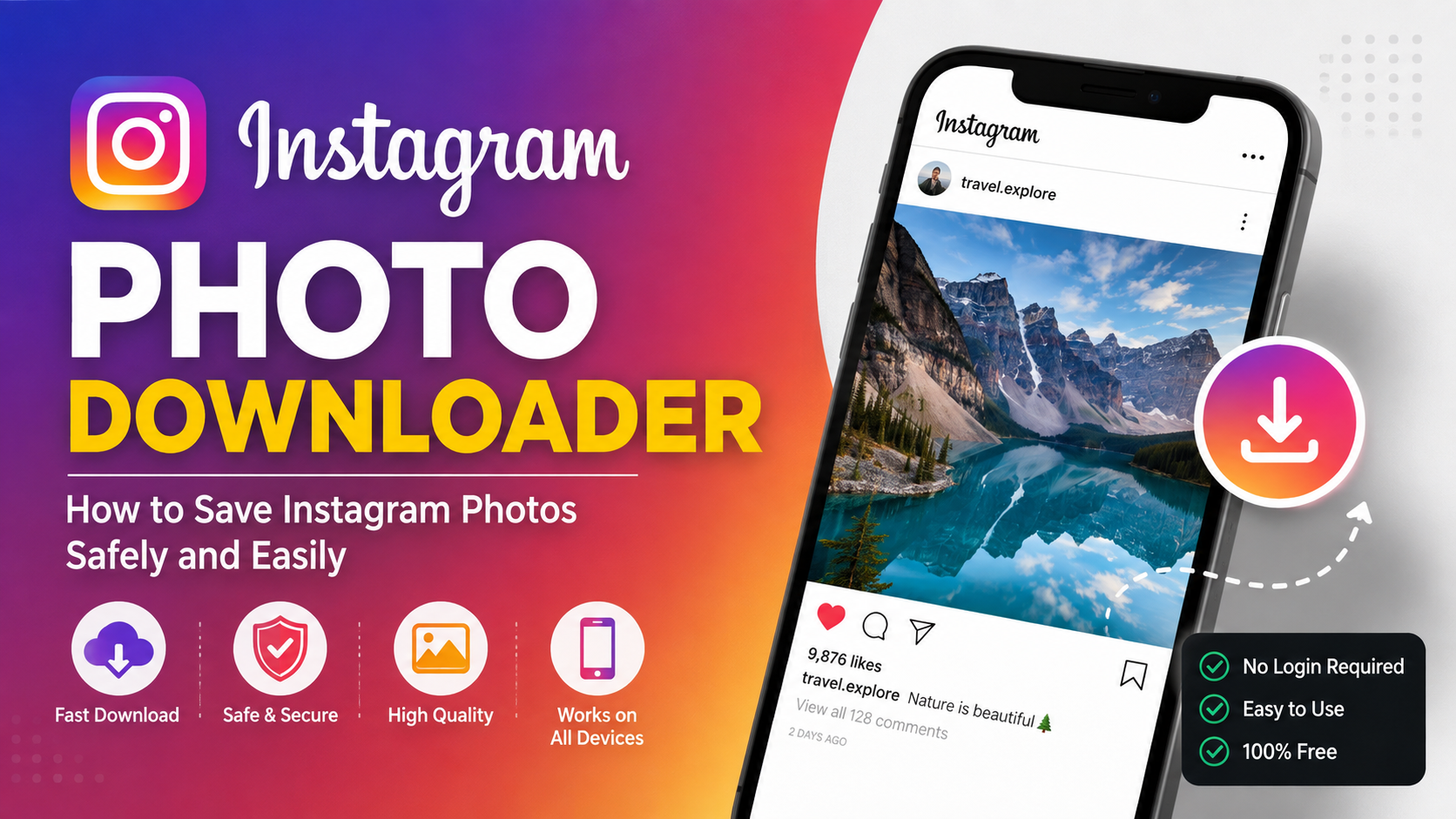

Instagram is one of the most popular platforms for discovering photos, travel inspiration, recipes, fashion ideas, business content, photography, and memorable moments. Because Instagram is designed primarily for viewing and sharing content within its platform, users often wonder how they can save a photo to their device for later use.
That is where an Instagram photo downloader can be useful.
An Instagram photo downloader is an online tool or application designed to help users save publicly accessible Instagram photos to a phone, tablet, or computer. Depending on the service, users may be able to download individual images by providing the URL of an Instagram post.
However, downloading a photo is not the same thing as owning the copyright to it. Instagram photos are usually created and owned by the people or organisations that publish them. Therefore, anyone using a downloader should understand the difference between saving content for personal reference and reusing someone else’s work without permission.
This guide explains what an Instagram photo downloader is, how these tools generally work, what features to look for, how to use them safely, and what copyright and privacy considerations you should keep in mind.
What Is an Instagram Photo Downloader?
An Instagram photo downloader is a website or software tool that allows users to save Instagram images to their device.
Instead of taking a screenshot, a downloader may retrieve the image associated with a publicly accessible Instagram post and provide an option to save it. The exact process depends on the tool and the type of Instagram content being accessed.
For example, someone might discover a beautiful landscape photograph on Instagram and want to keep a copy for personal inspiration. Rather than searching for the image again later, they may use an Instagram photo downloader to save it locally.
Most browser-based downloaders are designed to work without requiring users to install additional software. Some may also support mobile devices, making them convenient for people who browse Instagram primarily on smartphones.
Common Uses
People may use an Instagram photo downloader for several legitimate reasons, including:
- Saving a personal photo they previously posted
- Keeping images for offline personal reference
- Creating a private collection of inspiration
- Saving publicly available images they have permission to use
- Downloading their own business or creator content
- Archiving photographs they created themselves
- Keeping copies of content for personal organisation
The important point is that having the technical ability to download an image does not automatically give you permission to republish it.
How Does an Instagram Photo Downloader Work?
Although different websites have different interfaces, the general process is relatively simple.
A typical downloader works by accepting the URL of an Instagram post. The service then attempts to identify the publicly accessible media associated with that URL and presents the user with a download option.
A basic process often looks like this:
Step 1: Find the Instagram Photo
Open Instagram and locate the photograph you want to save.
If it is a public post, open the individual post so that you can access its share or link option.
Step 2: Copy the Post Link
Use Instagram’s sharing options to copy the URL of the post.
The exact appearance of the menu can vary depending on whether you are using Instagram through a web browser or its mobile application.
Step 3: Open the Downloader
Visit a reputable Instagram photo downloader through your browser.
Avoid websites that immediately ask for unnecessary personal information, Instagram passwords, or unrelated permissions.
Step 4: Paste the URL
Paste the Instagram post URL into the downloader’s input field.
The service may then process the address and attempt to locate the publicly available image.
Step 5: Download the Image
If the image is supported, the website may display a preview or download button.
Choose the appropriate option and save the file to your device.
Why Do People Search for an Instagram Photo Downloader?
There are several reasons this keyword is popular among Instagram users.
Instagram is highly visual, and users regularly encounter photos that they want to revisit. A photo may contain travel inspiration, a recipe, a design idea, photography inspiration, a product reference, or a personal memory.
Saving content within Instagram can be convenient, but Instagram’s built-in saving feature is different from downloading a file to your device.
Offline Access
A downloaded image can potentially be viewed without opening Instagram, depending on how and where it is stored.
Personal Organisation
Users may want to organise images into folders on their computer or smartphone.
Backup of Personal Content
Creators may occasionally need copies of photographs they originally published themselves.
Easier Reference
Designers, photographers, students, marketers, and researchers may sometimes need to keep visual references for projects, provided they have the appropriate rights to use those materials.
Instagram Save vs Download: What’s the Difference?
One of the most common points of confusion is the difference between saving a post on Instagram and downloading an image.
When you use Instagram’s own Save feature, you are generally bookmarking the content inside your Instagram account. The original post remains on Instagram, and you can return to it later.
Downloading creates a separate copy of the media on your device.
These two actions have different purposes.
Saving Inside Instagram
Instagram’s save feature can be useful when:
- You want to revisit a post later.
- You are collecting recipes.
- You are creating inspiration collections.
- You do not need an offline copy.
- You want to keep the original post connected to its creator.
Downloading to Your Device
Downloading may be useful when:
- You are saving your own photograph.
- You have permission from the creator.
- You need an authorised copy for a project.
- You want an offline personal reference.
For many situations, Instagram’s built-in saving option is the safer and simpler choice.
Features to Look for in an Instagram Photo Downloader
Not every downloader is created equally. If you decide to use one, there are several characteristics worth considering.
1. Simple Interface
A good downloader should be straightforward.
You should not have to navigate through dozens of confusing pages just to download an image.
2. No Instagram Password Required
Be extremely cautious about any third-party website that asks you to provide your Instagram password simply to download a public image.
A normal URL-based downloader generally should not need access to your Instagram login credentials.
3. Mobile Compatibility
Many people access Instagram on smartphones, so a mobile-friendly downloader can make the process more convenient.
4. Image Quality
If you are downloading content you are authorised to save, image quality may matter.
Some services compress files, while others may provide the highest publicly accessible version available to them.
5. Fast Processing
A useful tool should process a supported public URL without unnecessary delays.
6. Minimal Pop Ups
Excessive advertisements, pop-ups, redirects, and misleading download buttons can make a website frustrating or potentially unsafe.
7. Privacy Friendly Approach
Look for services that explain what information they collect and how it is handled.
Avoid entering unnecessary personal information.
Is an Instagram Photo Downloader Safe?
The answer depends heavily on the particular website or application.
The phrase “Instagram photo downloader” describes a category of tools rather than one specific service. Some websites may be legitimate and simple, while others may use aggressive advertising, misleading buttons, or questionable practices.
Before using any third-party downloader, consider the following precautions.
Don’t Share Your Instagram Password
Never enter your Instagram password into an unfamiliar downloader simply to retrieve a public image.
Your password should remain private.
Be Careful With Browser Notifications
Some websites ask visitors to allow browser notifications. If you do not need notifications, there is generally little reason to grant the permission.
Watch for Fake Download Buttons
Some pages contain advertisements that look like download buttons.
Check the page carefully before clicking.
Avoid Unnecessary Software
If a website tells you that you must install an unknown browser extension or application to download one public photo, consider looking for a safer alternative.
Keep Security Software Updated
A current browser and operating system provide important security protections.
Can You Download Private Instagram Photos?
Private Instagram accounts are designed to restrict access to approved followers.
A third-party downloader should not be treated as a legitimate method for bypassing those privacy controls.
If you can legitimately view a private post because the account owner has approved you, that still does not necessarily mean you have permission to copy or redistribute the photograph.
Privacy and copyright are separate issues.
The safest approach is to respect the account owner’s settings and obtain permission before saving or reusing private content.
Instagram Photo Downloader and Copyright
Copyright is one of the most important topics to understand before downloading Instagram photographs.
A photograph is generally protected by copyright as an original creative work. The fact that a photo appears publicly on Instagram does not mean that it has become free for anyone to copy and republish.
For example, suppose a photographer uploads an original landscape photograph.
You might be able to view the image publicly. That does not automatically give you permission to:
- Upload it to your own Instagram account
- Put it on your website
- Use it in advertising
- Sell products featuring the image
- Remove the creator’s watermark
- Claim the photograph as your own
If you want to reuse someone else’s photograph, ask the creator for permission and clarify how you intend to use it.
Personal Use vs Commercial Use
The distinction between personal and commercial use can be important.
Saving a photograph privately so you can look at it later is different from downloading the same photograph and using it on a company website.
Commercial use may involve websites, advertisements, product packaging, social media campaigns, blog articles, marketing materials, or other business activities.
When in doubt, ask the copyright owner for permission.
Example
Imagine that you find an impressive food photograph on Instagram.
You could save it privately as inspiration for your own cooking.
However, downloading that photograph and placing it on your restaurant’s website is a different situation. You should obtain appropriate permission or a licence before using it.
How Bloggers Can Use Instagram Images Responsibly
This is especially important for website owners and bloggers.
If you run a WordPress blog, it can be tempting to download an attractive Instagram photograph and add it to an article.
However, visual content should be treated just as carefully as written content.
Before publishing an Instagram photo on your website, consider:
- Who created the photograph?
- Do you have permission to publish it?
- Is the image licensed for reuse?
- Are there specific attribution requirements?
- Are people identifiable in the photograph?
- Are there trademarks or other rights involved?
- Is there a better alternative, such as creating your own image?
Whenever possible, use your own photographs, properly licensed stock photography, or media for which you have explicit permission.
Instagram Photo Downloader for Your Own Content
One of the safest reasons to use a downloader is to save content that you created yourself.
Creators sometimes lose original files because of:
- Phone upgrades
- Hard-drive failures
- Accidental deletion
- Cloud-storage problems
- Lost memory cards
- Old computers
Having backups of your own photographs is a good digital habit.
However, it is even better to maintain original files separately rather than relying exclusively on a social media platform as your only backup.
A good backup strategy might include:
- Your computer
- An external storage device
- A trusted cloud-storage service
- A second backup location
This gives you greater control over your original work.
Instagram Photo Downloader on Mobile Devices
Many users search for an Instagram photo downloader because they want to save images directly from a smartphone.
A browser-based service can sometimes be easier than installing an application.
On a phone, the general process is:
Open Instagram
Find the post you want to save.
Copy the Link
Use Instagram’s sharing menu to copy the post URL.
Open Your Browser
Open your preferred mobile browser and navigate to the downloader.
Paste the Link
Place the Instagram URL into the appropriate field.
Download the File
If the service supports the post, follow its download instructions.
The exact process can differ between Android, iPhone, and different browsers.
Instagram Photo Downloader on PC
Downloading through a desktop browser can be convenient when you work with images regularly.
A typical workflow involves opening Instagram in your browser, locating the desired public post, copying its URL, and placing it into a compatible downloader.
Desktop downloading can be particularly useful when you are organising your own content or handling authorised media for a project.
Once again, the important consideration is whether you have the right to save and use the image.
Common Problems With Instagram Downloaders
Sometimes a downloader may not work as expected.
The Link Is Not Supported
The service may only support certain types of public Instagram URLs.
The Post Has Been Deleted
If the original post is no longer publicly available, a downloader may not be able to retrieve it.
The Account Is Private
Private content may not be accessible to third-party services.
The Website Is Temporarily Down
Like any online service, downloaders can experience technical problems.
Instagram Changes Its Platform
Instagram periodically changes its website and technical infrastructure. Third-party services can therefore stop working or require updates.
For this reason, it is better to understand the general concept rather than relying permanently on one particular downloader.
Are Instagram Photo Downloaders Free?
Many browser-based Instagram downloaders advertise themselves as free.
However, “free” does not always mean there are no limitations.
A service may be supported by advertising and may display pop-ups or promotional content. Other tools may offer a free basic version while charging for additional features.
Before using any service, check what it actually offers and avoid providing payment information to unfamiliar websites.
You should also be cautious if a supposedly free service asks for unnecessary personal information.
Why You Should Avoid Suspicious Downloader Apps
A dedicated application can sometimes appear convenient, but downloading unknown software creates additional security considerations.
An unfamiliar app may request permissions that do not appear necessary for its stated purpose.
For example, an image-saving application should make you question why it needs extensive access to unrelated device information.
Before installing an application, check:
- The developer
- User reviews
- Requested permissions
- Privacy policy
- Update history
- Whether the app comes from an official app marketplace
When a simple browser-based task can be completed without installing software, avoiding unnecessary applications may reduce risk.
Better Alternatives to Downloading Instagram Photos
An Instagram photo downloader is not always the best solution.
Use Instagram’s Save Feature
If you simply want to remember a post, Instagram’s built-in save functionality may be enough.
Ask the Creator
If you genuinely like someone’s photograph and want to use it, contacting the creator is often the most respectful approach.
Use Licensed Stock Photos
For websites and commercial projects, licensed stock photography can provide clearer usage rights.
Create Your Own Images
For bloggers and businesses, original photography gives you greater control over your website’s visual identity.
Save Your Own Originals
If you are a creator, keep original copies of your photographs in reliable storage rather than depending entirely on Instagram.
Frequently Asked Questions
What is an Instagram photo downloader?
An Instagram photo downloader is a website or application designed to help users save supported Instagram photographs to their devices, usually by providing the URL of a public post.
Do I need an Instagram password?
A legitimate URL-based downloader should generally not require your Instagram password to process a publicly accessible post. Be cautious with services that request login credentials.
Can I download any Instagram photo?
Not necessarily. Availability can depend on whether the post is public, whether the URL is supported, and whether the third-party service is functioning.
Can I repost downloaded Instagram photos?
Downloading an image does not automatically give you permission to repost it. If you did not create the photograph, obtain appropriate permission or a licence before republishing it.
Is saving my own Instagram photo allowed?
If you created the photograph, saving a copy of your own content is generally a sensible way to maintain a backup. You should still keep your original files separately where possible.
Can I download private Instagram photos?
Third-party downloaders should not be used to bypass privacy restrictions. Respect private accounts and obtain permission from the content owner for any copying or reuse.
Can I use downloaded photos on my blog?
Only when you have the necessary rights or permission. Public availability on Instagram does not automatically make a photograph free to use on another website.
Final Thoughts
An Instagram photo downloader can be a convenient way to save publicly accessible Instagram images, particularly when you are saving your own content or images that you have permission to use. The basic process is usually straightforward: find a supported post, copy its URL, paste the link into a compatible service, and save the resulting file.
However, convenience should not replace good digital habits.
Before downloading an image, think about who created it, why you want to save it, and what you intend to do with it. Personal archiving and authorised use are very different from copying another person’s work and publishing it elsewhere.
For bloggers, businesses, photographers, and social media users, respecting copyright and privacy is especially important. If you want to publish an Instagram photograph on a WordPress website, the safest options are to use your own content, obtain permission from the creator, or choose properly licensed imagery.
Ultimately, an Instagram photo downloader should be viewed as a technical tool not as a licence to use every photograph found online. Using these services responsibly allows you to benefit from their convenience while respecting the creators whose work makes Instagram such a visual platform.
for more information click here